
To add products purchased, recommended, or products a contact has shown interest in please follow the instructions below.
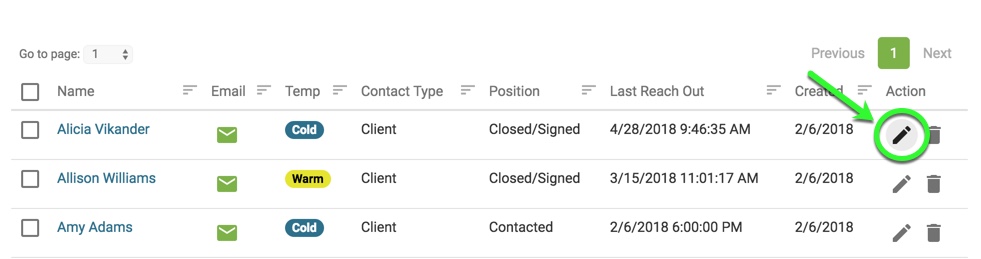
1. From the Contact List page, go to a contact's detail page.
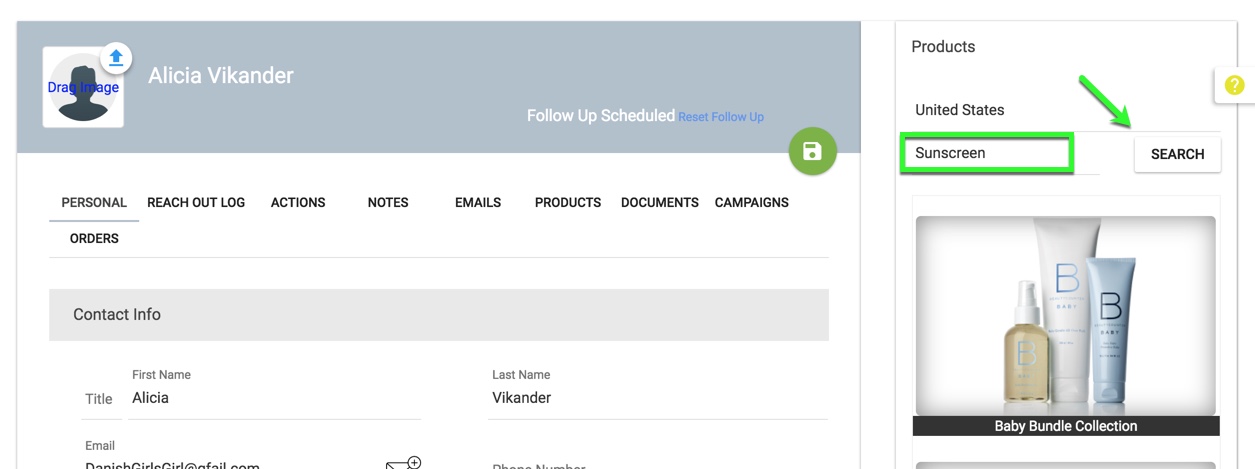
2. Search for the product you would like to assign to the contact by typing in all or part of the product name into the search field and clicking the "Search" button.
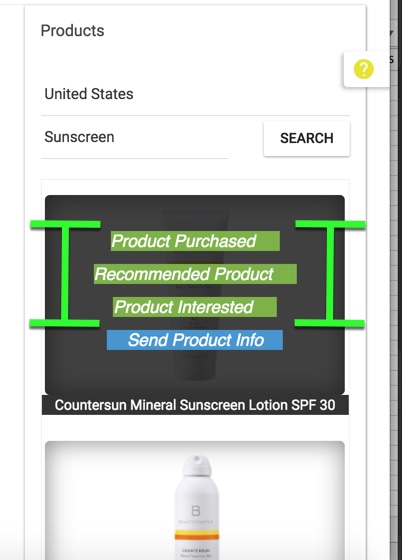
3. Hover over the product's image to reveal the assignment links. Click on the link that corresponds with the product assignment you would like to use (i.e. purchased product, recommended, etc.).
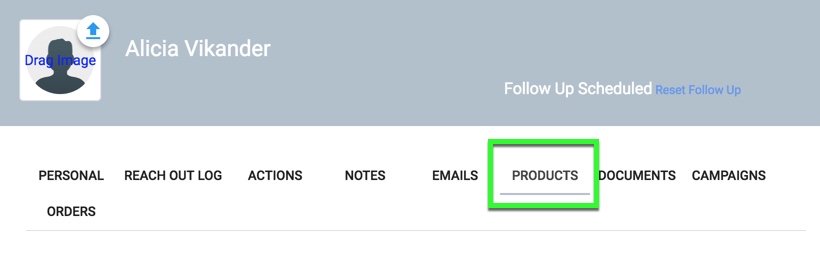
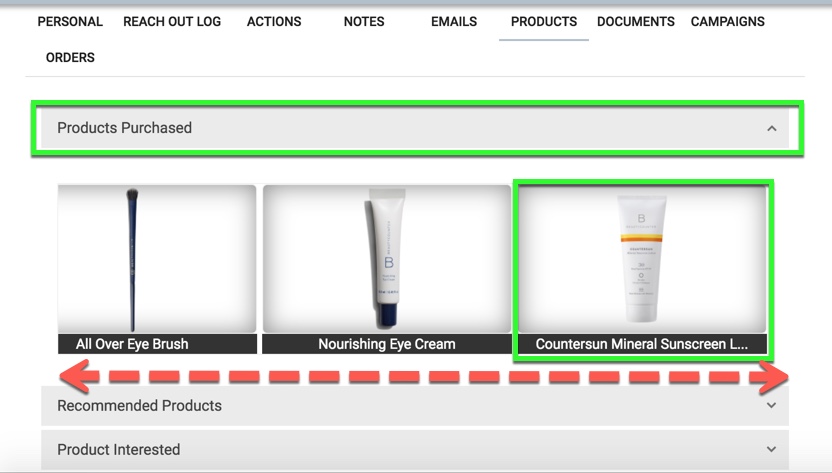
4. Click the "Products" tab to reveal the products assigned to the contact.
5. Click the gray bar to expand the product category you would like to review. In this example, we are showing "Products Purchased". The product(s) you have assigned will be visible in the scrollable gallery below.
Comments
0 comments
Please sign in to leave a comment.