To grant Hilo the right to access your contact information in your iPhone:
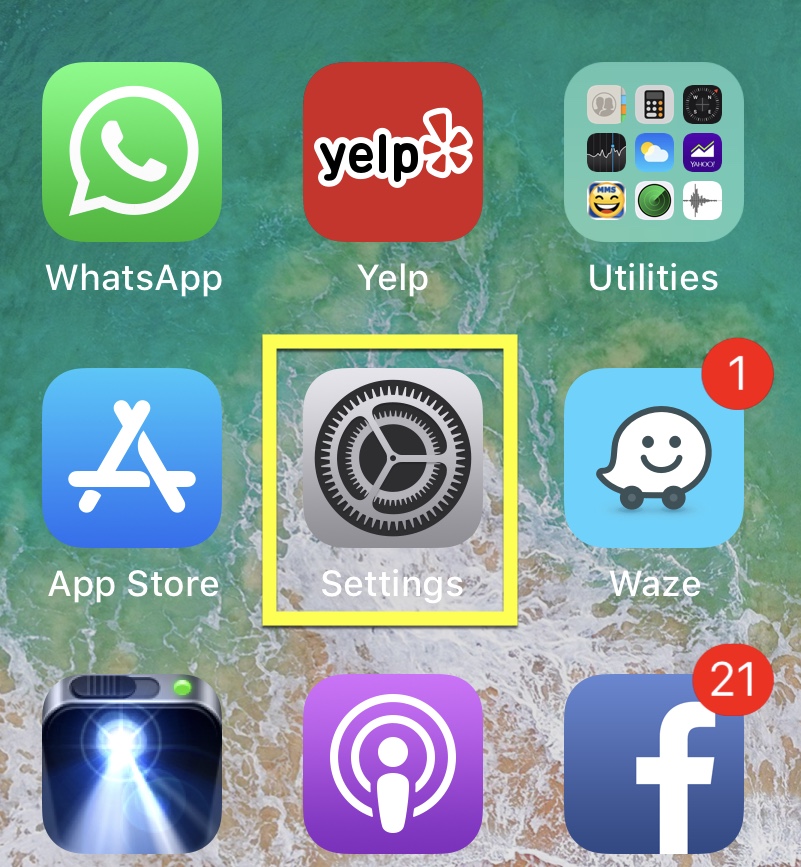
1. Go to Settings
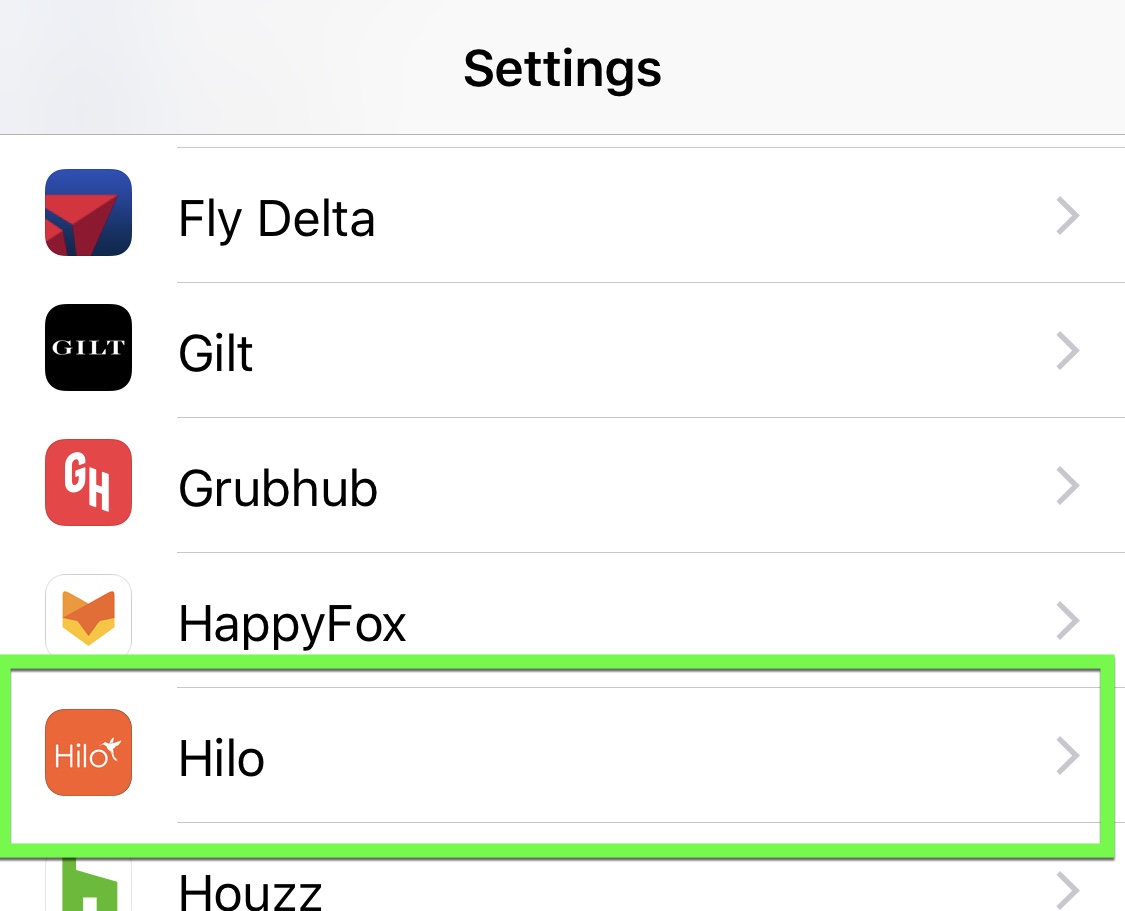
2. Scroll down to find the Hilo app icon and tap it to access the "allow to access" screen
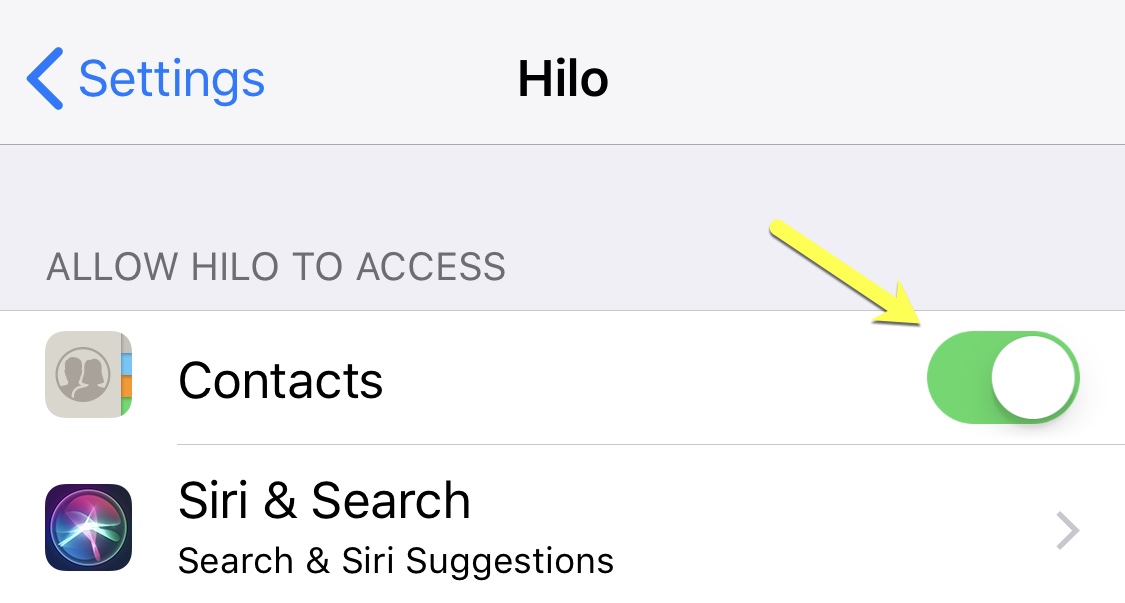
3. Turn Contacts to the "On" position

To grant Hilo the right to access your contact information in your iPhone:
1. Go to Settings
2. Scroll down to find the Hilo app icon and tap it to access the "allow to access" screen
3. Turn Contacts to the "On" position
Comments
0 comments
Please sign in to leave a comment.