
In order to share templates, scripts, campaigns, and documents with your downline you first have to invite them to connect with you in Hilo and they have to accept that invitation.
If you're an active Hilo Affiliate your affiliate link will be shared automatically when you invite your team to connect with you through the system. You WILL receive affiliate credit for team members who click your invite link.
1. Make sure all contacts you wish to connect with are labeled as "Contact Type" of "Downline". This will add them to your Team pages.

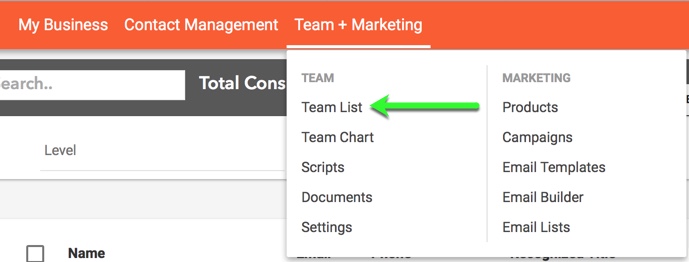
2. Go to the Team List page, under Team + Marketing in Hilo’s header bar
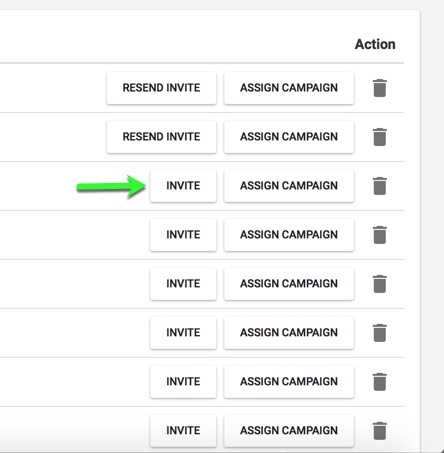
3. Find the name of the contact you would like to share your materials with and click the “Invite” button next to their name. This will send them an email invitation for them to accept.
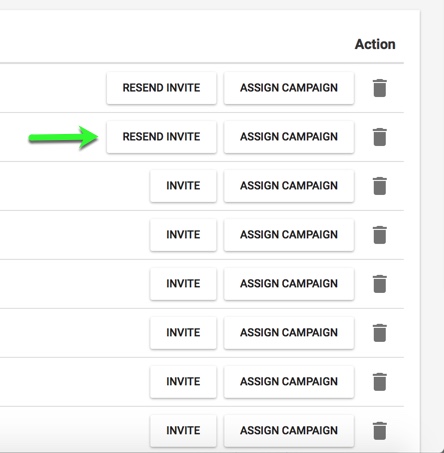
4. The invite button will change to "Resend Invite" after the first invitation is sent.
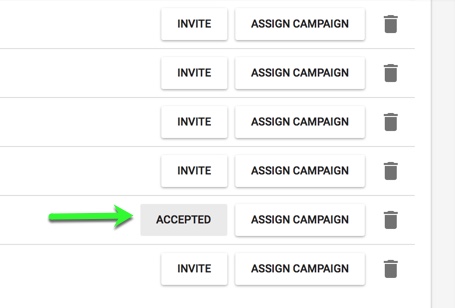
5. Once they've accepted your invitation the button will change to "Accepted". This is how you know they can see your shared materials.
If you would like to invite all team members to view and use your shared materials, click the “Invite All Members” button at the top of the page.
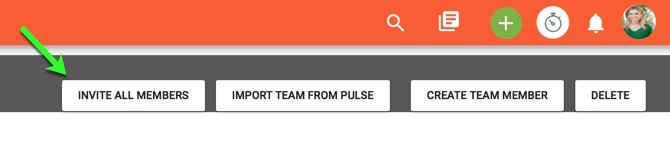
This will send an email to each team member who has not already accepted your invitation to connect (people who have accepted will be skipped and will not receive an additional email).
Please note we link the accounts by email address so, upline members must send the invitation to the same address the downline member used to sign up for Hilo.
Comments
0 comments
Please sign in to leave a comment.