
To see shared scripts, email templates, email campaigns or documents that your upline has shared with their team, you need to be connected in Hilo.
Ask your upline member whose data you want to see/use to do the following:
1. Add you to their Hilo contacts with the email address you used to sign up for your Hilo account
2. Set the "Contact Type" to "Downline"

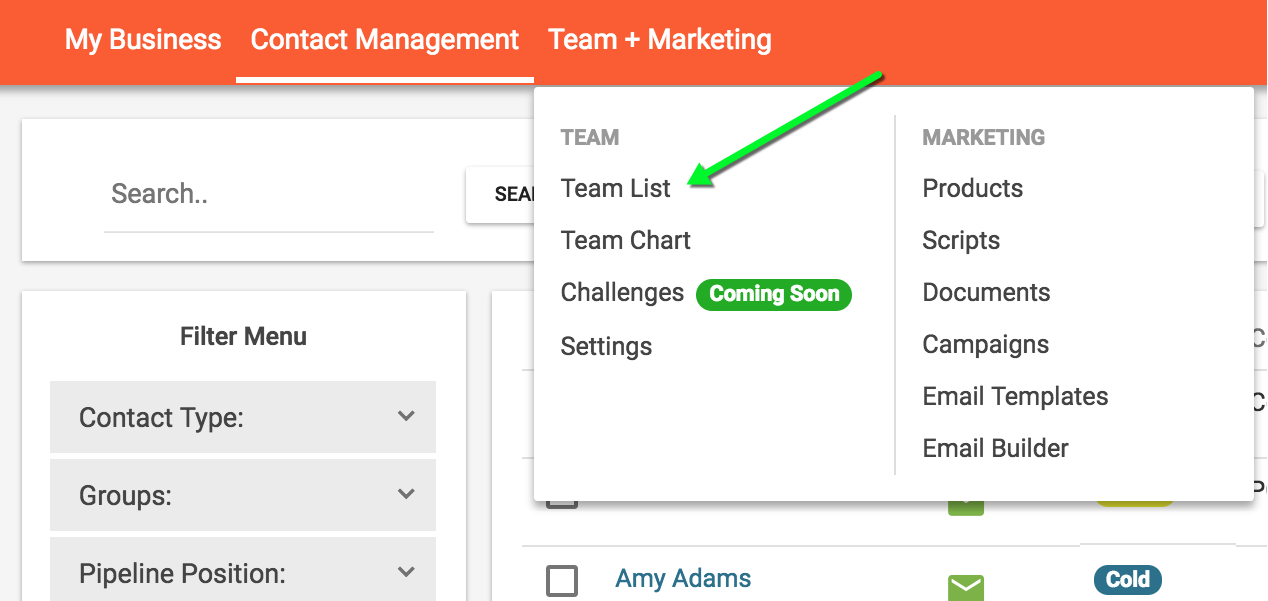
3. Go to the "Team List" page, under "Team + Marketing" in the header bar
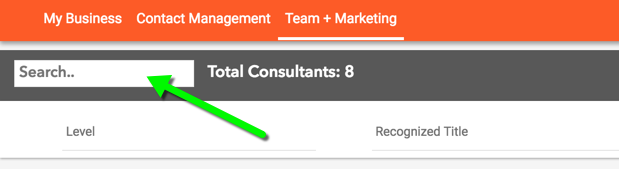
4. Search for the team member you just created
5. Click the "Invite" button
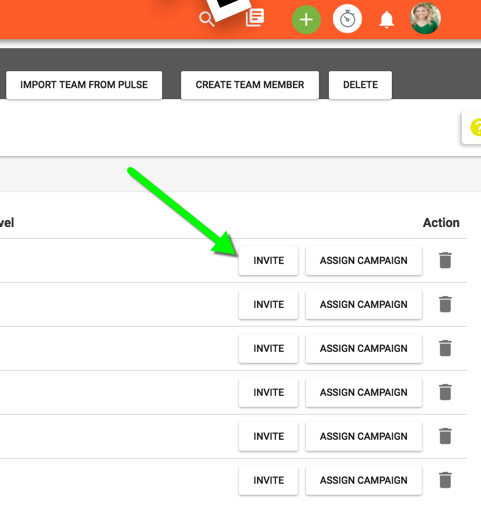
Once you accept the invite you will be able to see the materials they've shared with their team.
If you are not able to see scripts, templates, campaigns, or documents please check the following:
- Check with your upline member to make sure they added you to their team and invited you to connect with the email address that you signed up for Hilo with. If the email address is different your accounts will not be connected and they will have to go through the process of adding you to their contacts as "Downline" again and re-invite you to connect.
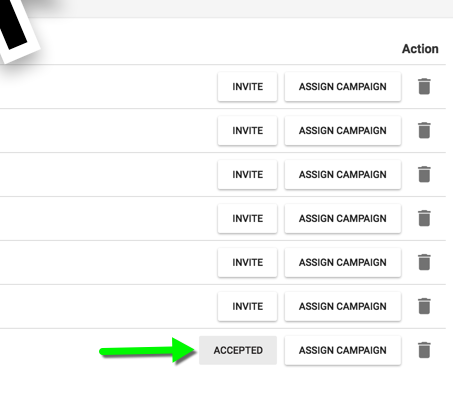
- Ask your upline to confirm that they see your invite as "Accepted" on the "Team List" page.
Comments
0 comments
Please sign in to leave a comment.