
If you are able to log in but, decide you would like to change your password please follow the steps below:
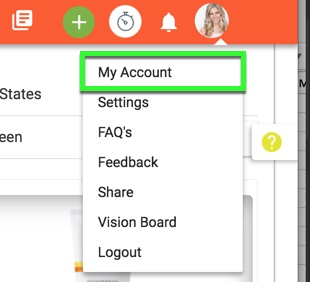
1. Go to the My Account page.
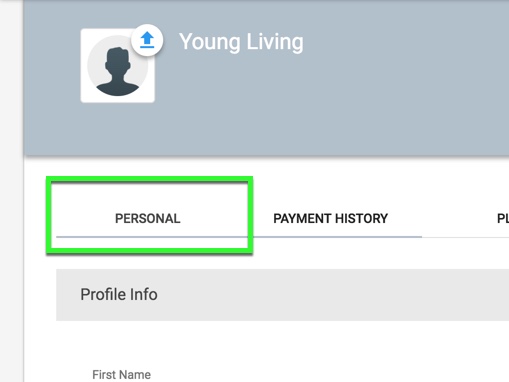
2. Click the "Personal" tab
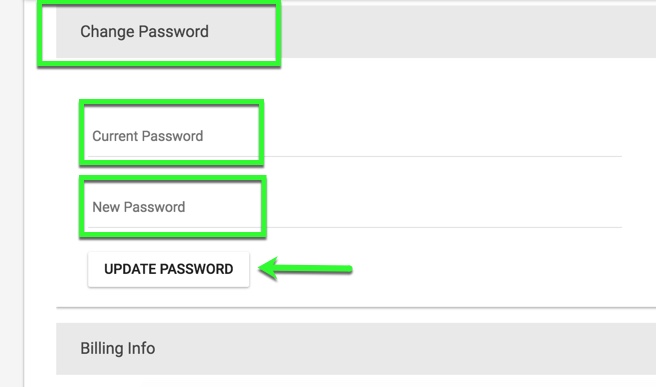
3. Scroll down to the Change Password section. Enter your current password and then the new password (2 fields - one for confirmation) in the fields provided. Click "Update Password" to save your changes.
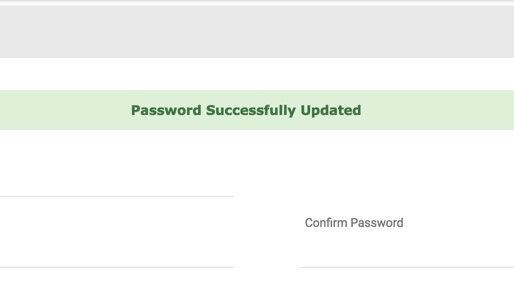
4. A success message will be displayed to show your changes have been saved.
Comments
0 comments
Please sign in to leave a comment.