
To sign up for a paid Hilo subscription:
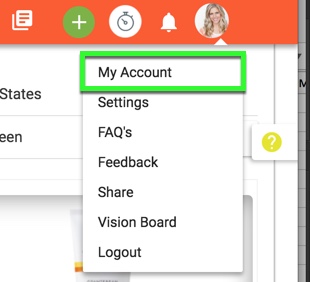
1. Go to the My Account page
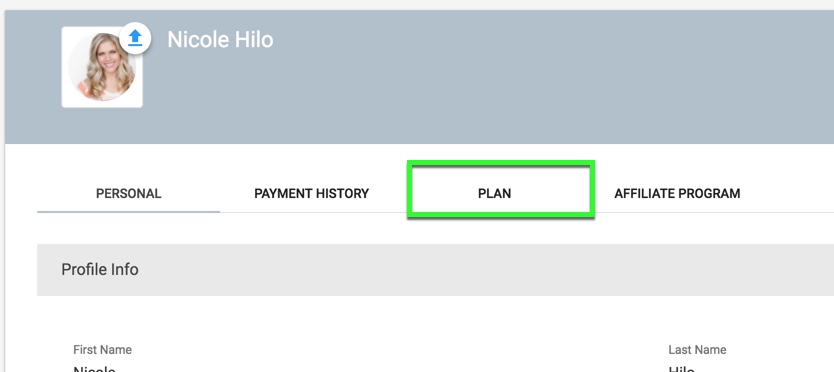
2. Choose the "Plan" tab
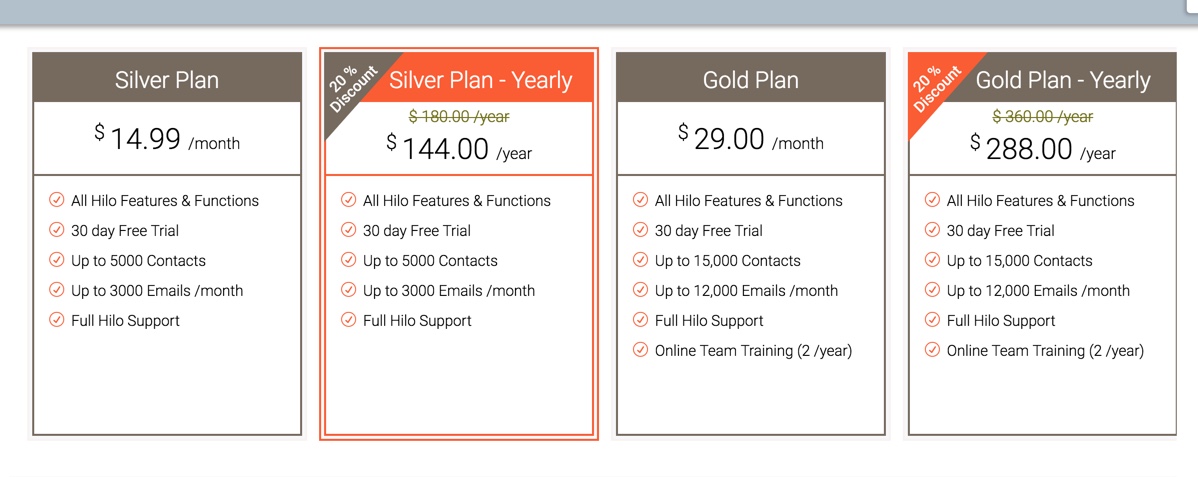
3. Select the subscription plan you would like to enroll in
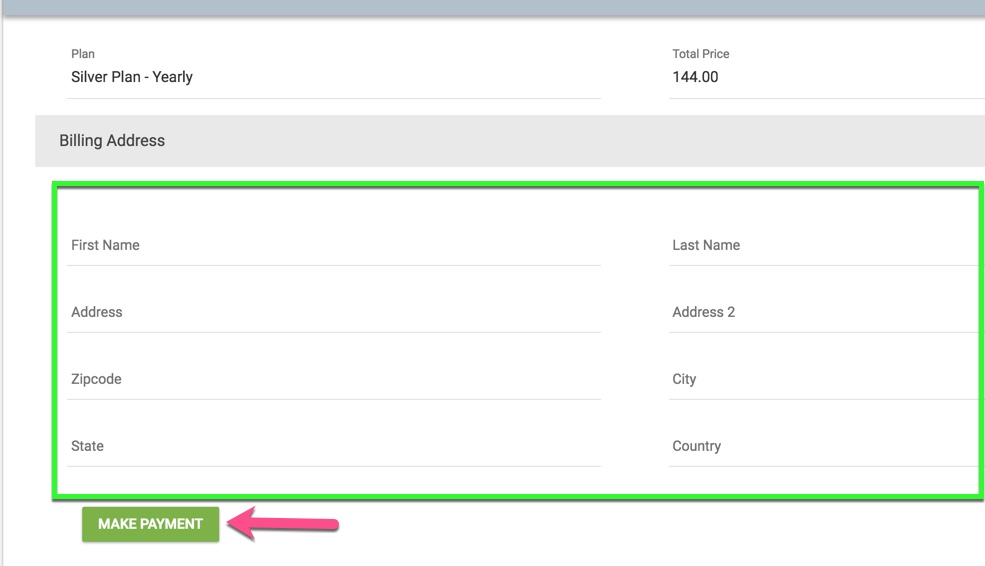
4. Enter your billing address information and click the "Make Payment" button
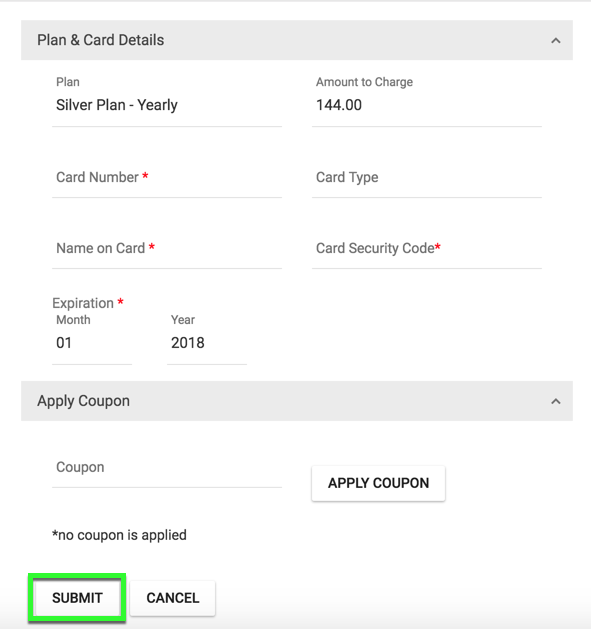
5. Enter your credit card information and coupon code (if applicable) and click "Submit".
(Please note that "Card Type" will be automatically detected by the system after you enter your cc #. We accept Visa, MasterCard, and American Express only. Discover is not currently accepted)
Comments
0 comments
Please sign in to leave a comment.