
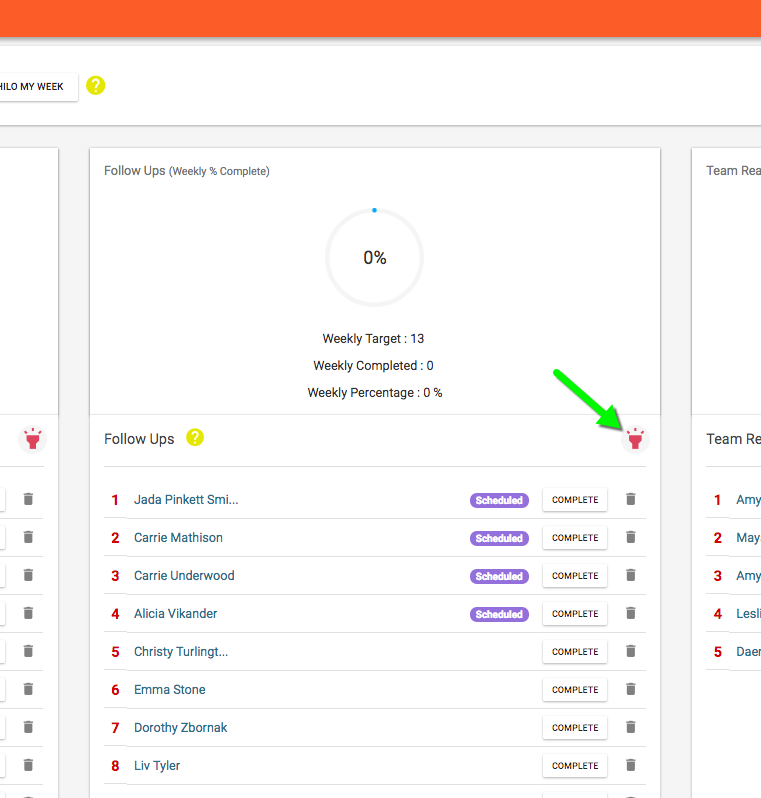
When you schedule contacts for follow up those contacts can be found in the future follow up queue. You can access the future follow up queue by clicking the pink flashlight button at the top of the follow up queue on the Goal Tracker page.
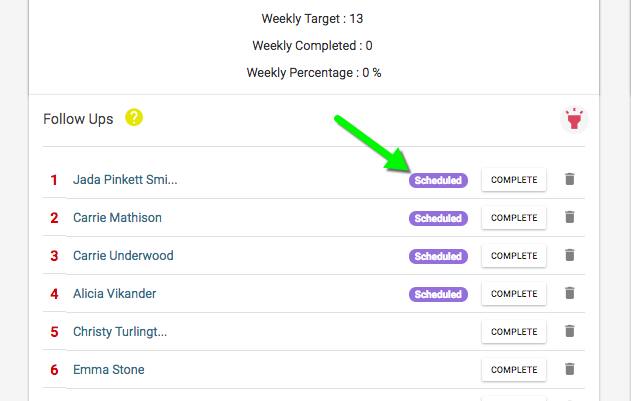
When the scheduled date is reached, that contact will be added to the top of the follow up queue with a purple “Scheduled” badge next to their name so you know how they ended up in the queue.
Comments
0 comments
Please sign in to leave a comment.