To delete multiple contacts from Hilo at once:
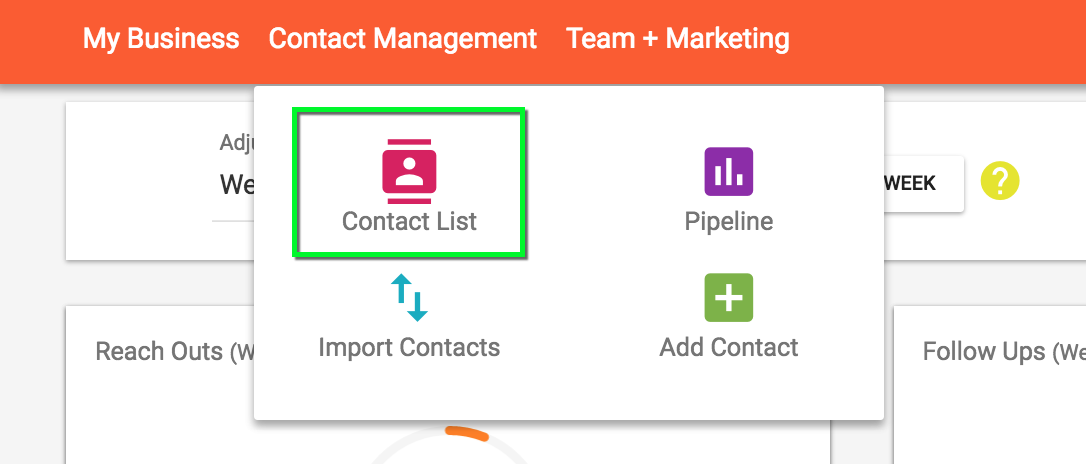
1. Go to the Contact List page
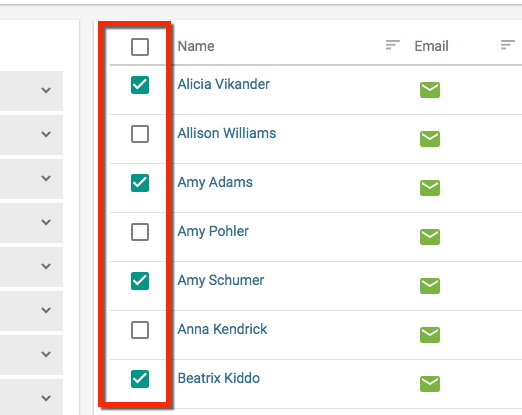
2. Select the contacts you would like delete
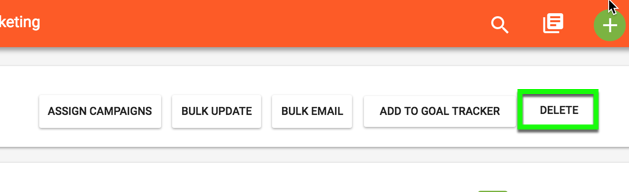
3. Click the "Delete" button at the top of the page

To delete multiple contacts from Hilo at once:
1. Go to the Contact List page
2. Select the contacts you would like delete
3. Click the "Delete" button at the top of the page
Comments
0 comments
Please sign in to leave a comment.