
To bulk add a tag in Hilo:
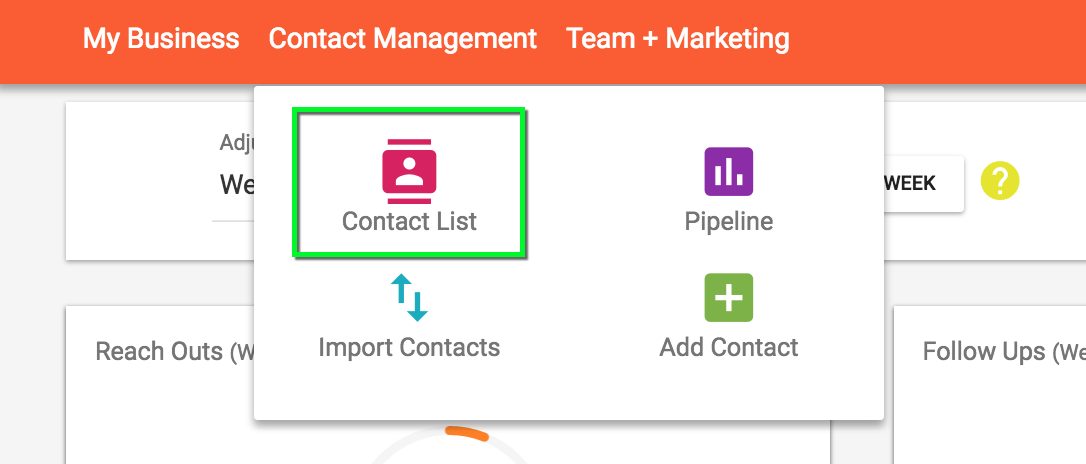
1. Go to the Contact List page
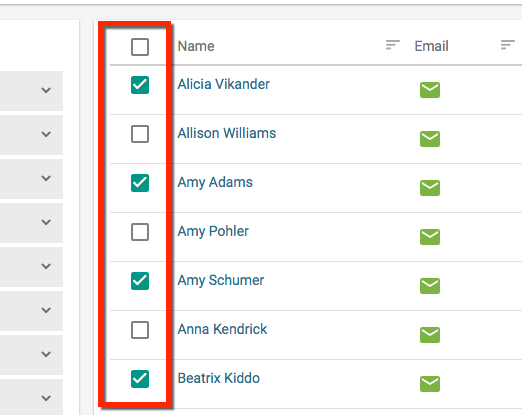
2. Select the contacts you would like to add a tag to.
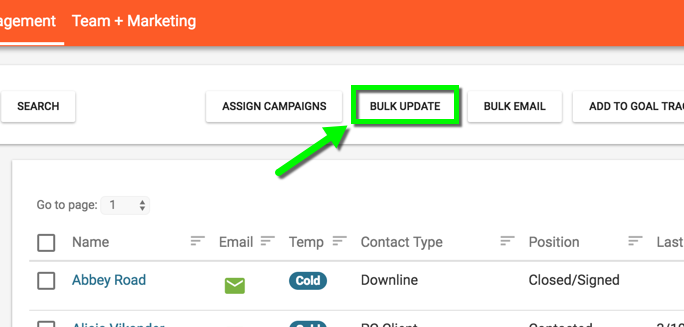
3. Click the "Bulk Update" button
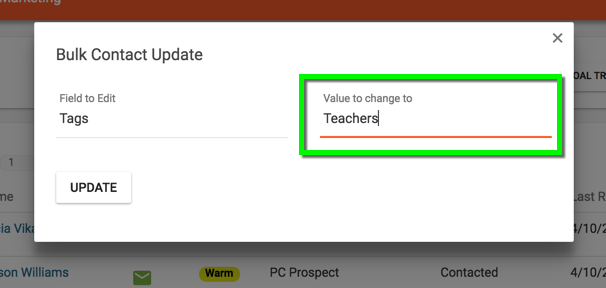
4. Select "Tags" from the "Field to Edit" menu
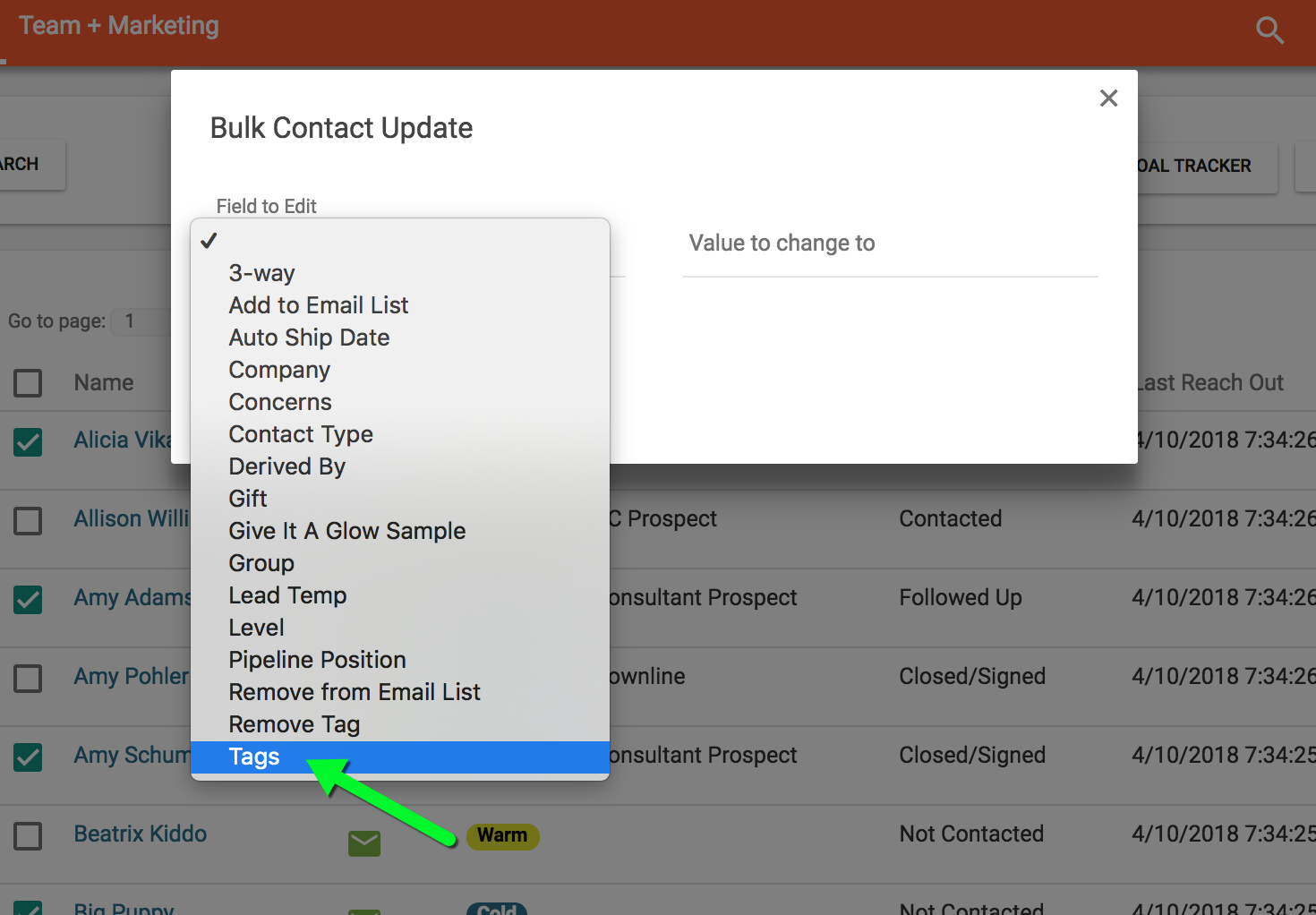
5. Type in the name of the tag in the "Value to Change to" field
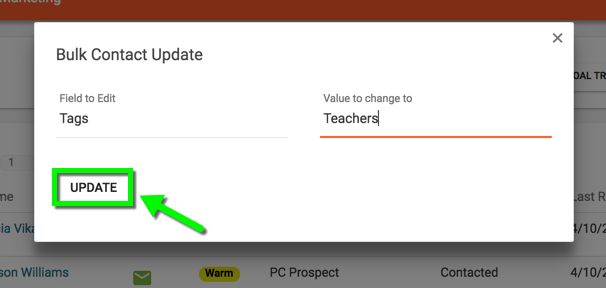
6. Click the "Update" button
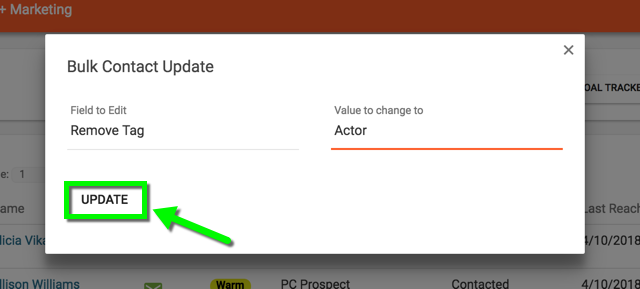
To remove a tag follow steps 1-3 from above and then:
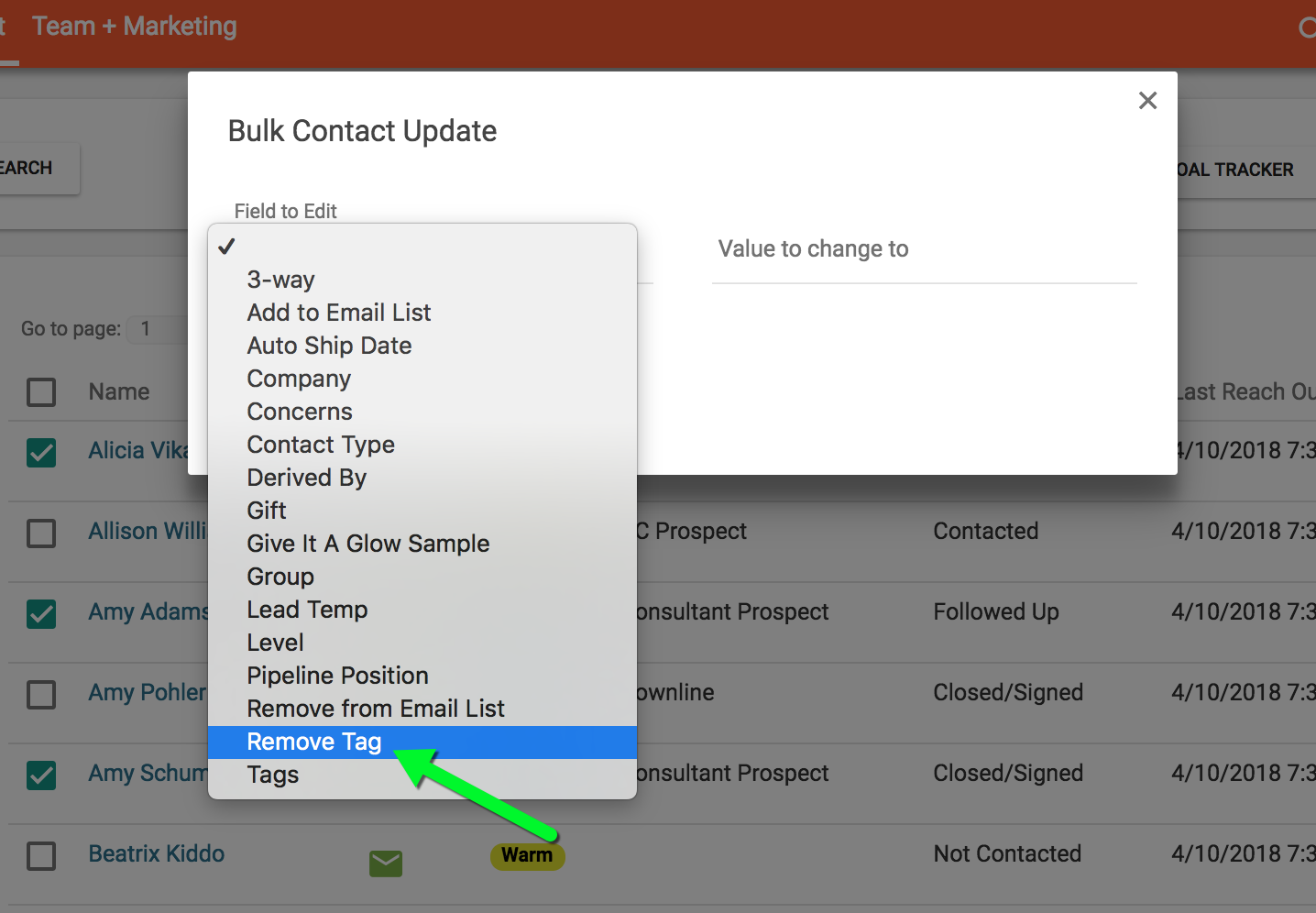
"Remove" Step 4 - Select "Remove Tag" from the "Field to Edit" menu.
"Remove" Step 5 - Choose the tag to remove from the "Field to Edit" menu.
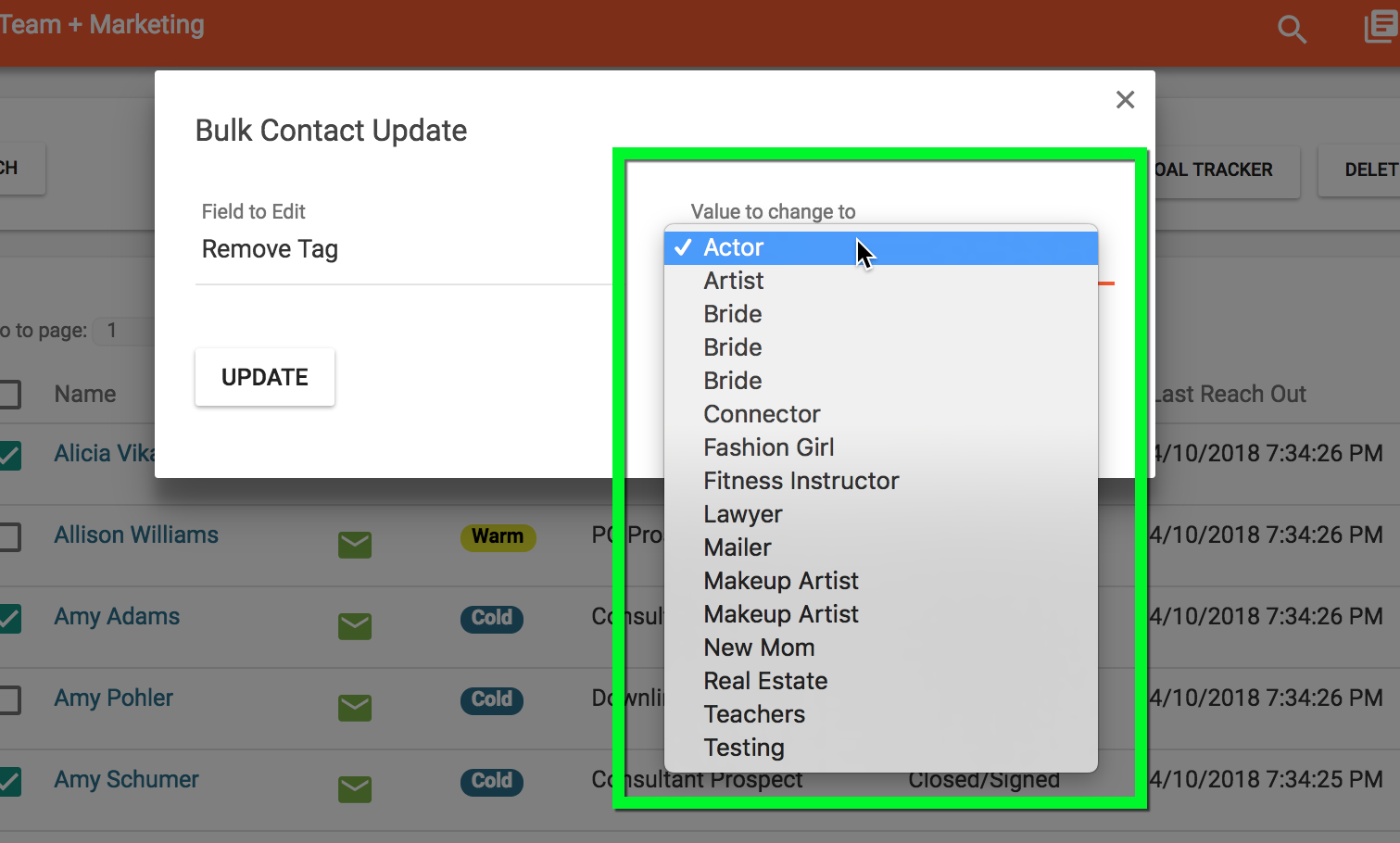
"Remove" Step 6 - Click the "Update" button.
Comments
0 comments
Article is closed for comments.