To send an email to one contact, simply click the green envelope icon next to the contact's name on the Contact List page. That will open the "new email" window for you to write and send your message.
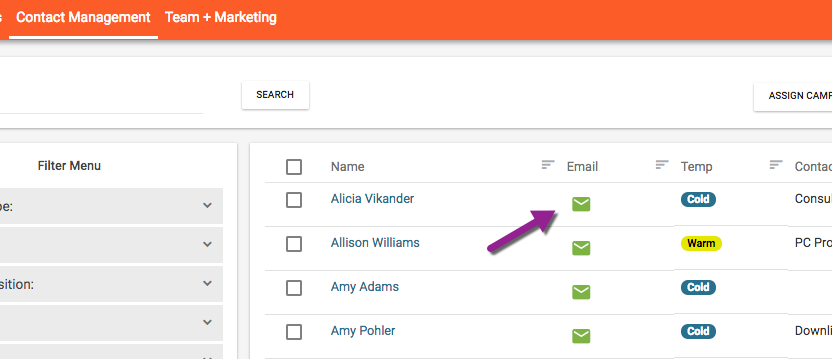

To send an email to one contact, simply click the green envelope icon next to the contact's name on the Contact List page. That will open the "new email" window for you to write and send your message.
Comments
0 comments
Please sign in to leave a comment.