
We understand that everyone doesn't use email. Some people prefer to be contacted by text or Facebook Messenger.
That's why we made it easy for Hilo users to share the templates they create in our system with contacts who use means of communication other than email.
To share a template with a contact through text or Facebook Messenger:
1. Go to the Email Templates page
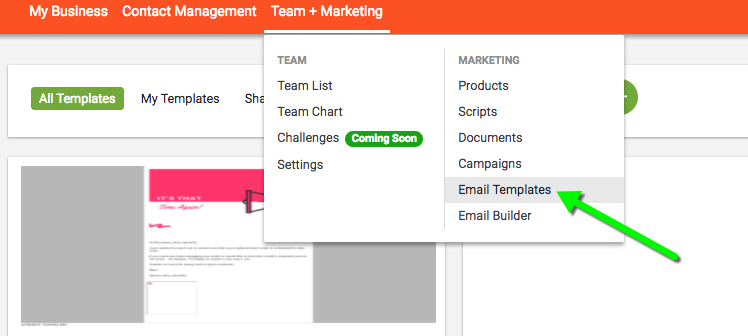
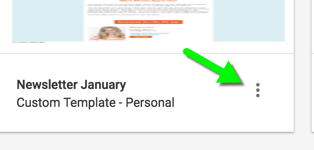
2. Find the template you would like to share and hover over the icon at the bottom right corner of the template tile.
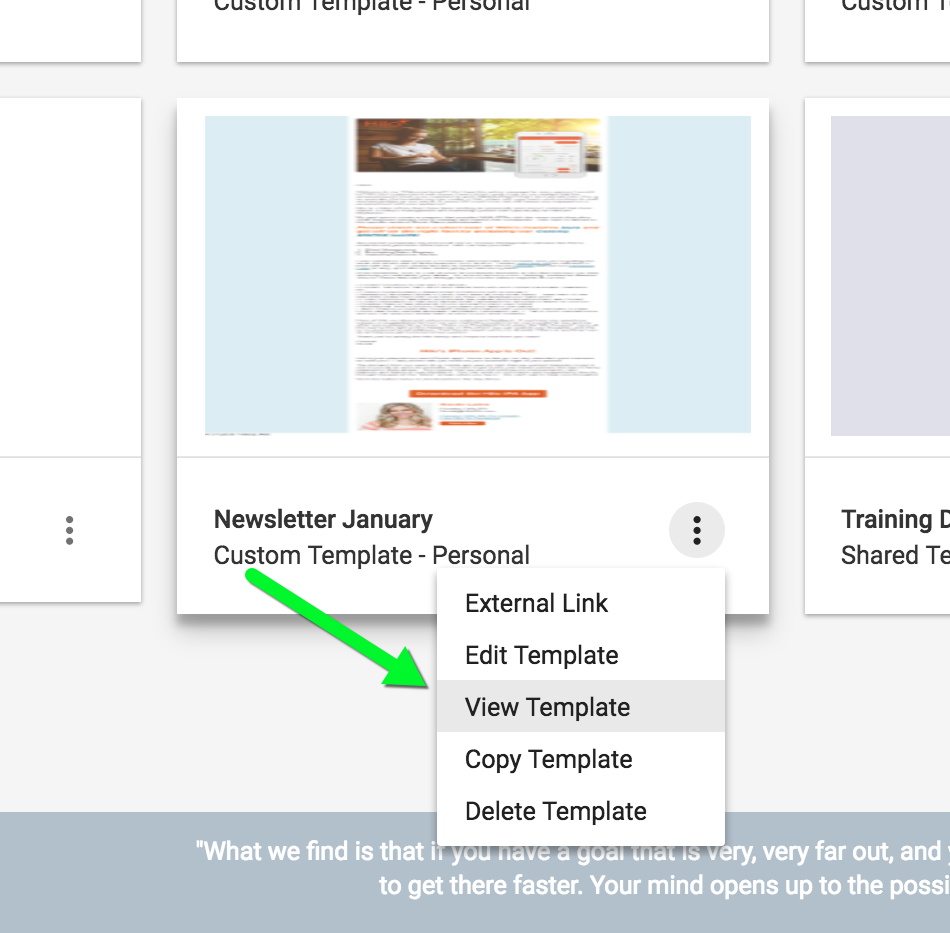
3. Click "View Template" from the menu.
4. This will open another tab in your browser with the template as a webpage. Highlight the entire URL link and click CTRL + C to copy the URL.
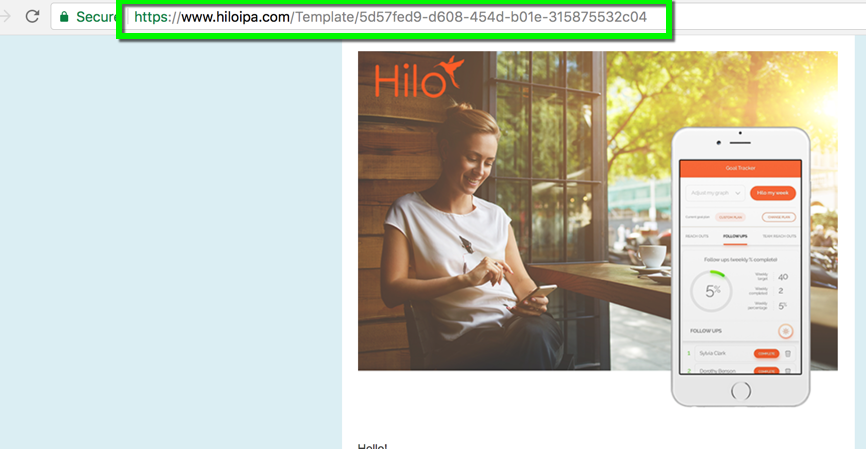
5. Copy the URL into your text or Facebook message. The recipient will be able to click the link and view the template as a webpage.
PLEASE NOTE: Replacement tags used to personalize the template (like inserting the recipient's name in the opening) will not insert into templates unless they are sent directly through Hilo via email. When sending the URL link, we recommend that you remove all replacement tags from the template before sending. Another option would be to create email versions of your templates with replacement tags and then copy that template, remove the replacement tags and save another version called "Web" or "URL".
Comments
0 comments
Please sign in to leave a comment.