
To send an email created in Hilo:
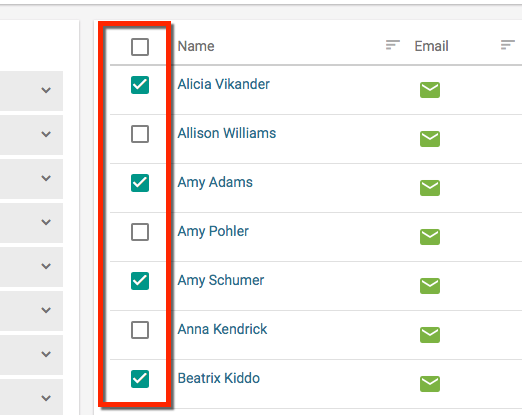
1. Go to the Contact List page. Find the contacts you would like to send the template to and click the check boxes next to their names.
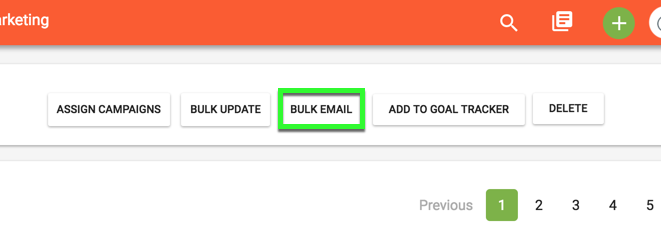
2. Click the "Bulk Email" button
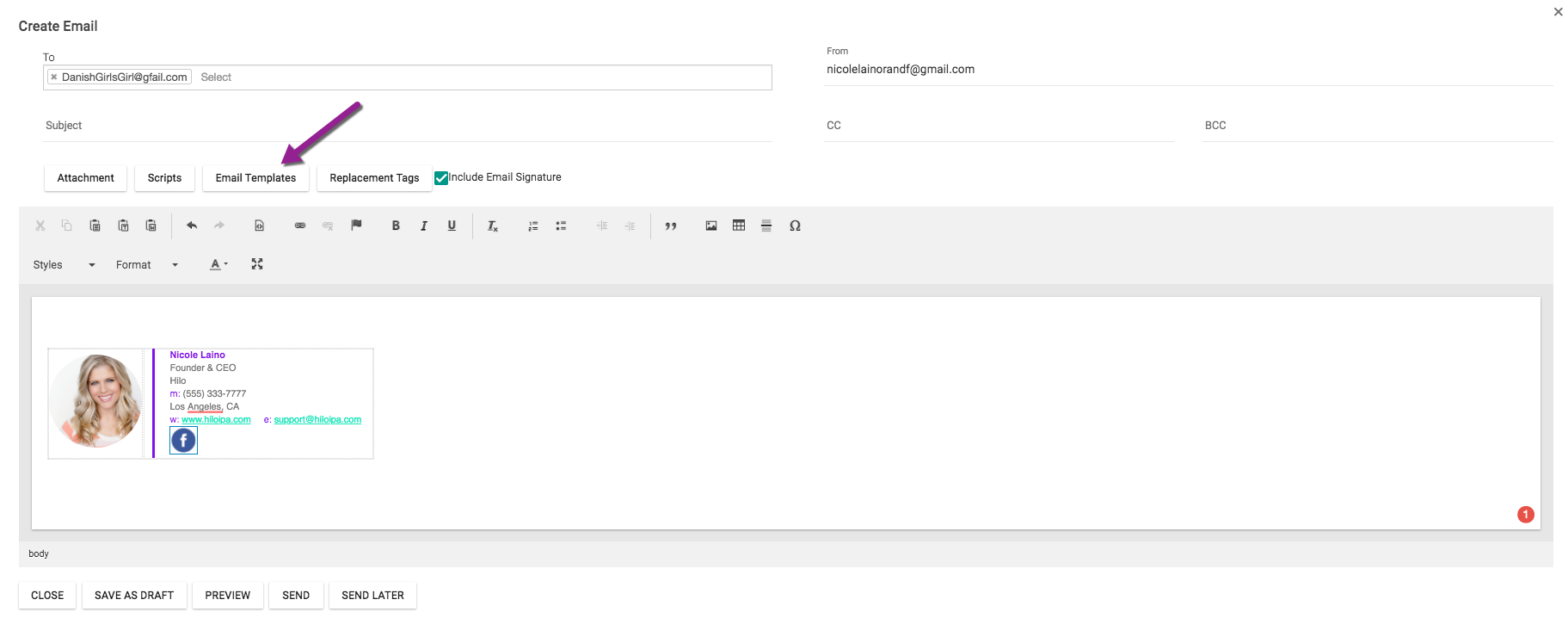
3. This will open the new email window. Your contacts' addresses will already be in the "To" field. Click the "Email Templates" button (contacts will each receive an individual email from you when you bulk email. They will not see each other's email addresses or know that you sent the message to a group).
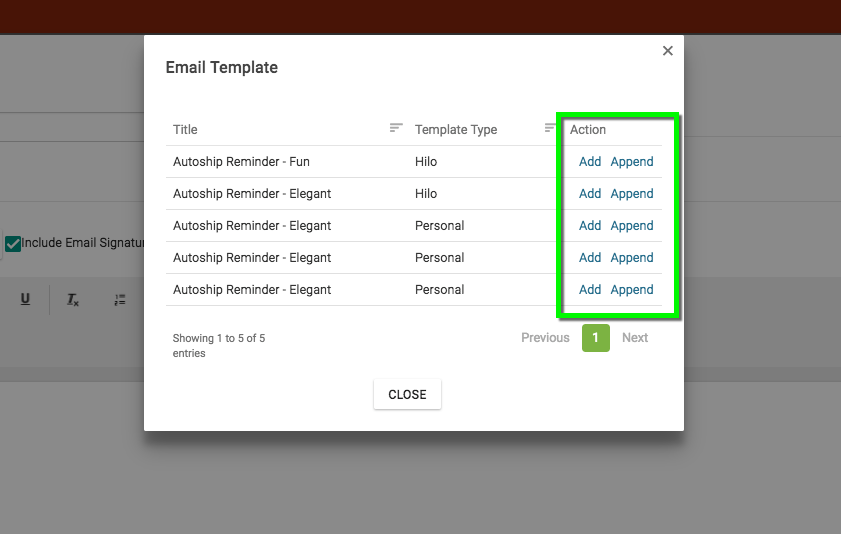
3. This will open the Email Templates window for you to choose the template you'd like to send. Click "Add" to send the template as-is, or click "Append" to add the template to text you've already entered into the body of the email.
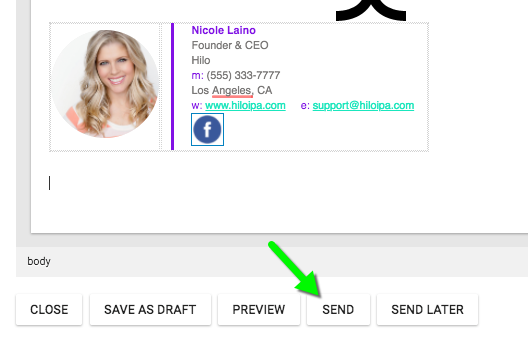
4. Review your email and click "Send".
If you still need help, please watch the video below on How to Bulk Email in Hilo.
Comments
0 comments
Please sign in to leave a comment.