
To include the standard signature in your emails:
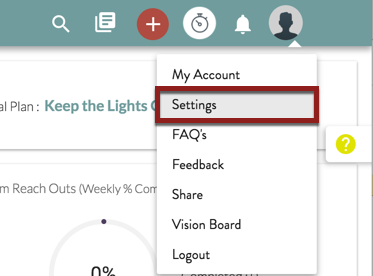
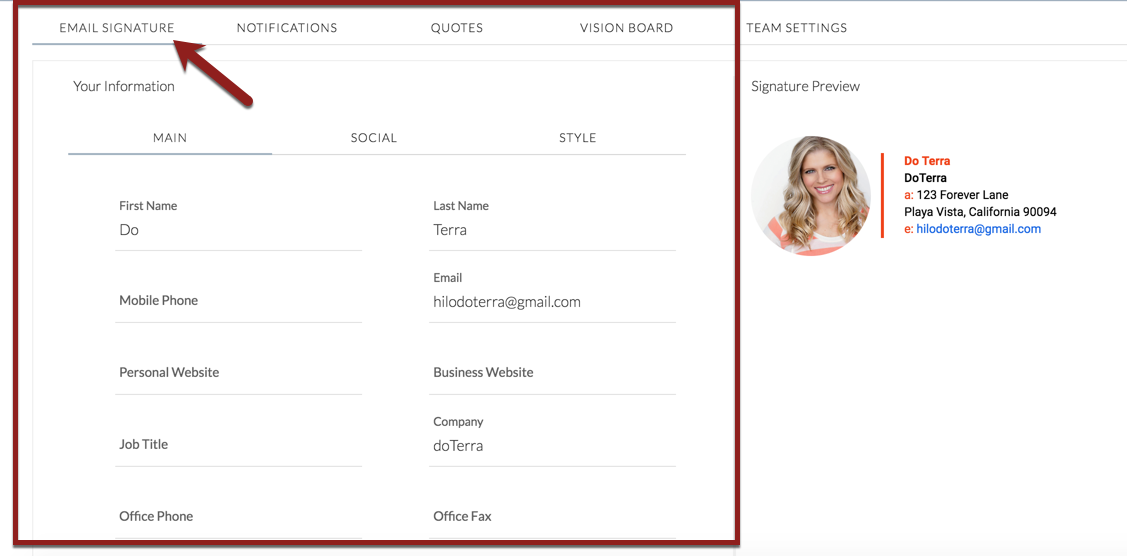
1. Make sure you have completed and approved your email signature in on the Settings page.
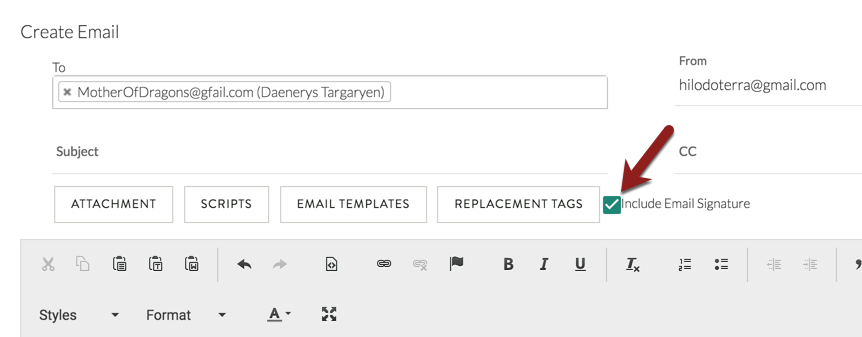
2. Open a new email window and ensure the "Include Email Signature" box in the email window is checked after you add the template to the body of the email. If it is checked before you add the template, please uncheck and recheck the box with your cursor at the bottom of the message.
Comments
0 comments
Please sign in to leave a comment.