
Yes, you absolutely can! To send a link to an email template you created in Hilo:
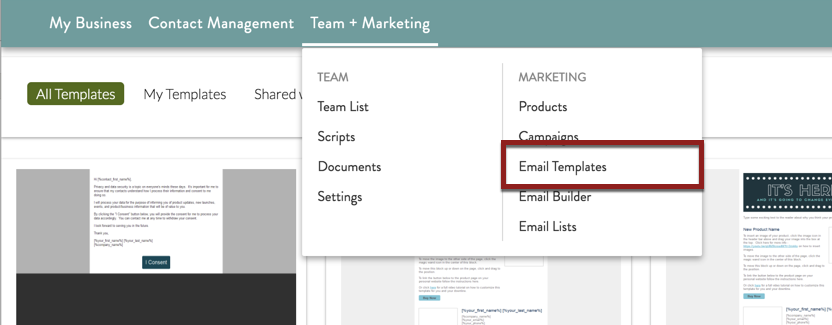
- Go to the Email Templates page.
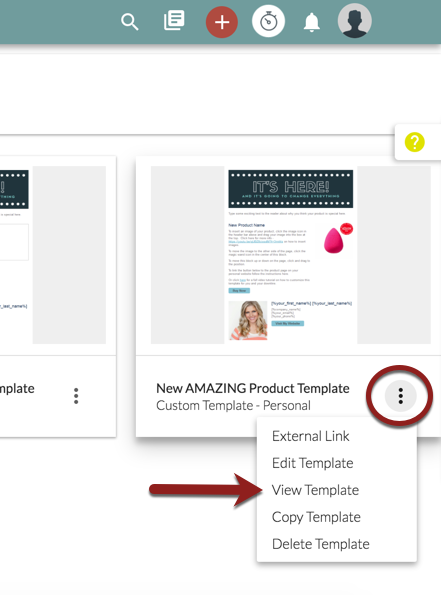
- Choose the template you would like to send a link to, hover over the icon at the bottom-right corner of the template tile and choose "View Template" from the drop-down menu.
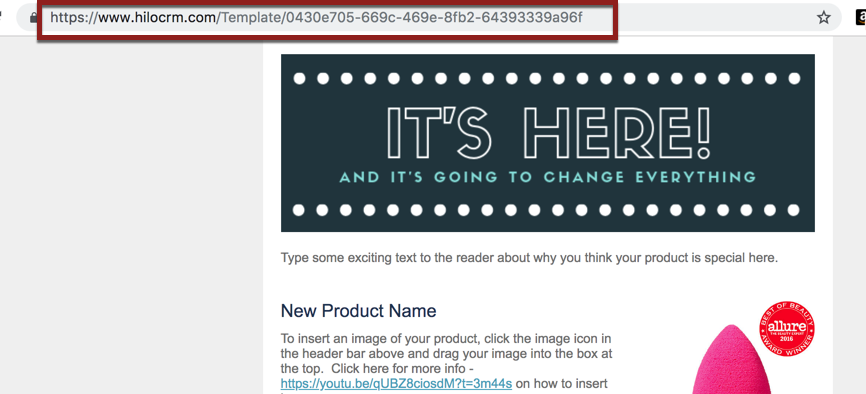
- This will open the template in a new tab in your browser. Copy the URL link and paste it into your message on social media, text, or other platform to share.
Comments
0 comments
Please sign in to leave a comment.