
To go back to the Email Builder to edit a template you created using the builder tool:
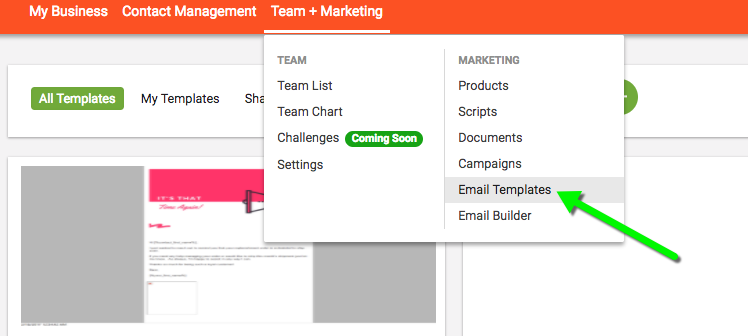
1. Go to Team & Marketing -> Email Templates in the header bar
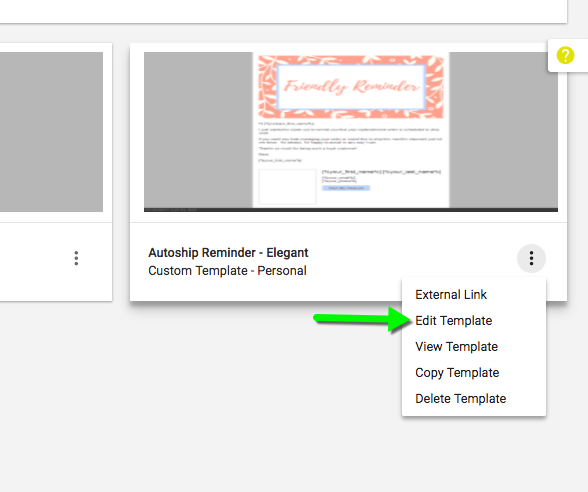
2. Hover over the icon in the bottom-left corner of the template you'd like to edit and click "Edit Template"
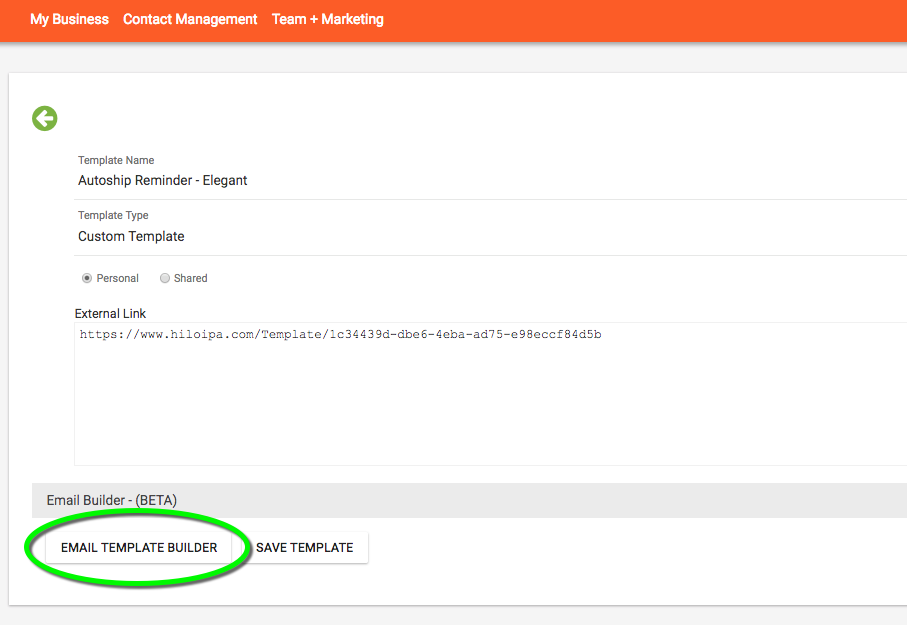
3. On the title screen, click the Email Template Builder button.
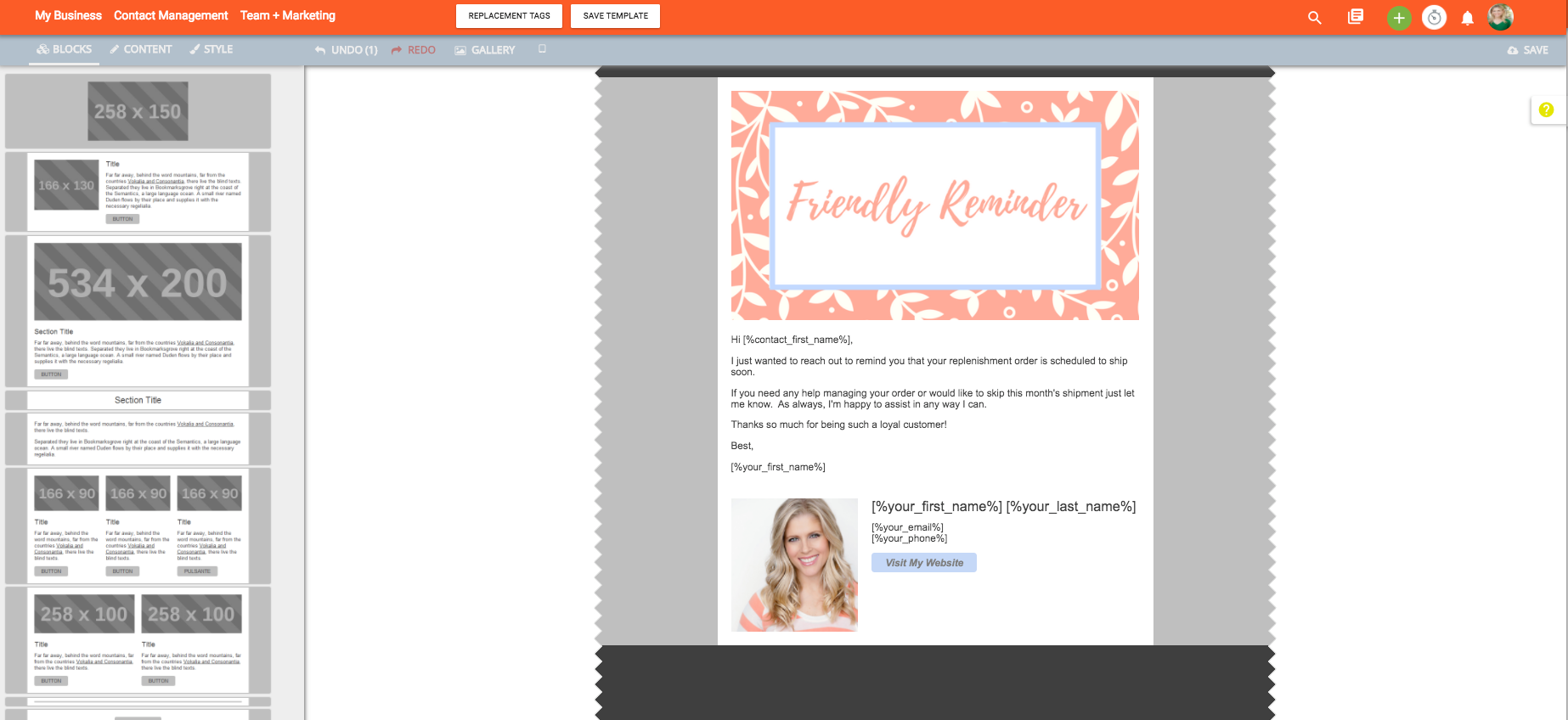
4. This will bring you to the builder to edit your template.
For a full tutorial on how to create/edit your template, please check out the video below:
Comments
0 comments
Please sign in to leave a comment.