
To create a copy of an email template that you have created or one that has been shared with you please follow the steps below:
1. Go to the Email Templates page.
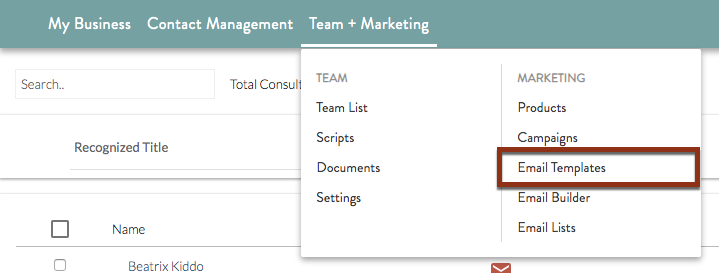
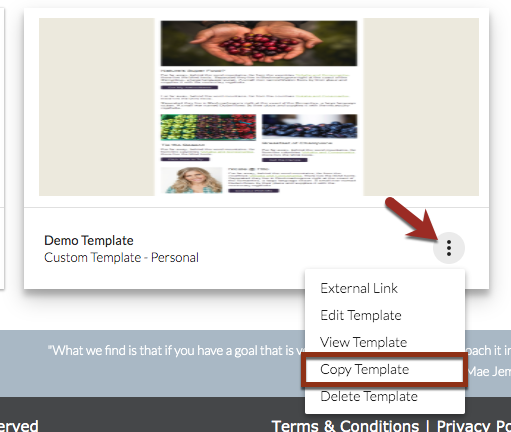
2. Find the template you would like to make a copy of on the page. Hover over the icon at the bottom-right of the template card and choose "Edit Template" from the menu that appears.
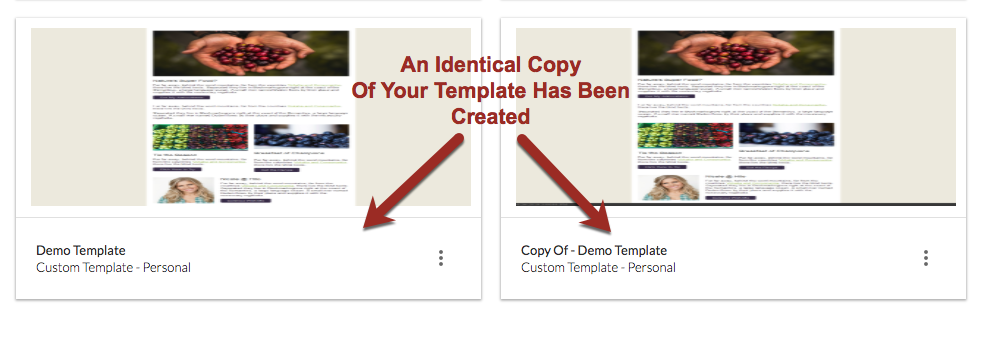
3. The page will refresh and a duplicate version of your template will now be available in the list. The new version will have "Copy of" and then the original template name as its title.
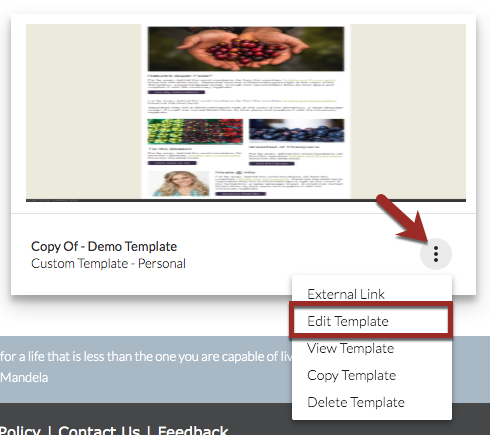
4. Hover over the icon at the bottom-right of the copy's template card and choose "Edit Template" from the menu that appears.
5. Give the template a new name.
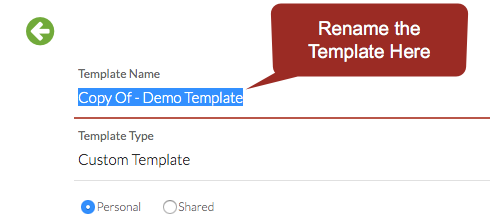
6. With the new name in the "Template Name" field, click one of the buttons at the bottom of the form. Choose "Email Template Builder" to open and edit the template, or choose "Save Template" to save and close the template.
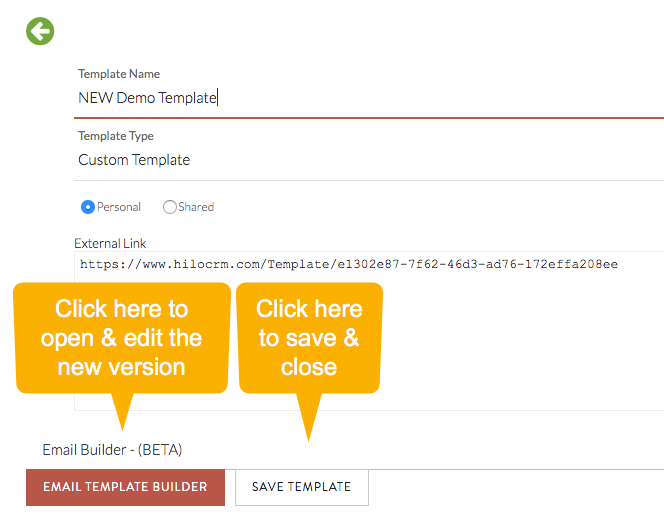
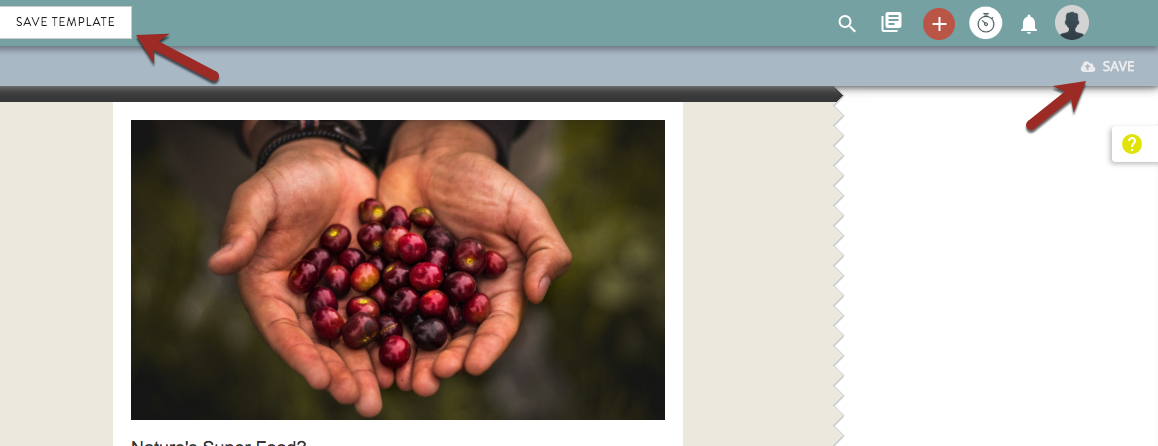
7. If you choose to edit the template now, be sure to save your changes in the builder frequently.
Comments
0 comments
Please sign in to leave a comment.