
Unfortunately, scheduled emails (individual or bulk email) cannot be edited. You must delete the scheduled emails from the "Emails" page and recreate and schedule the message(s) again.
To delete scheduled emails:
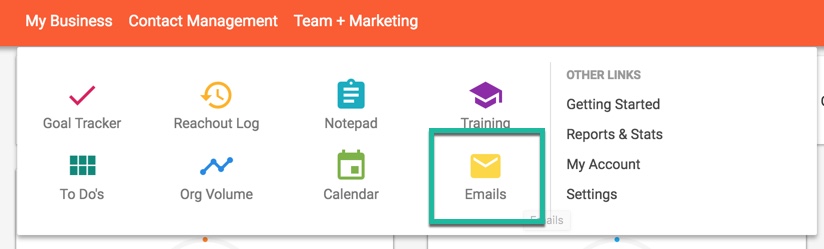
1. Go to the emails page.
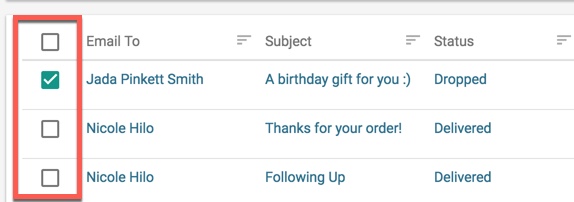
2. Click the checkboxes next to the email(s) you would like to delete.
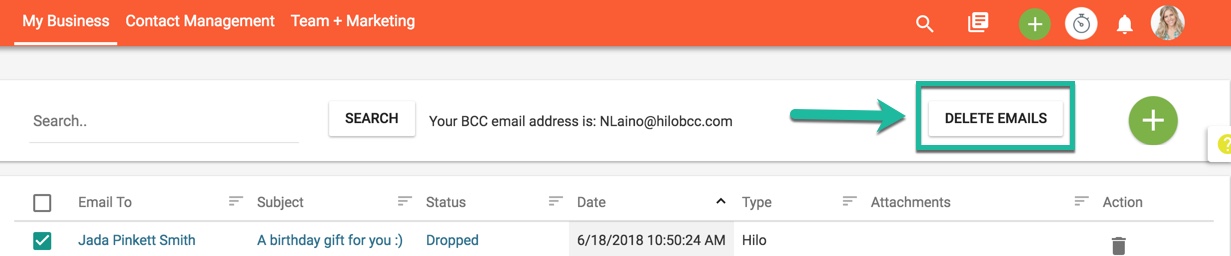
3. Click the "Delete Emails" button at the top of the page.
Comments
0 comments
Please sign in to leave a comment.