
All emails sent from Hilo have open/click tracking.
To see the status of an email sent to a contact:
1. Go to the Emails page, under the My Business section of the header bar.
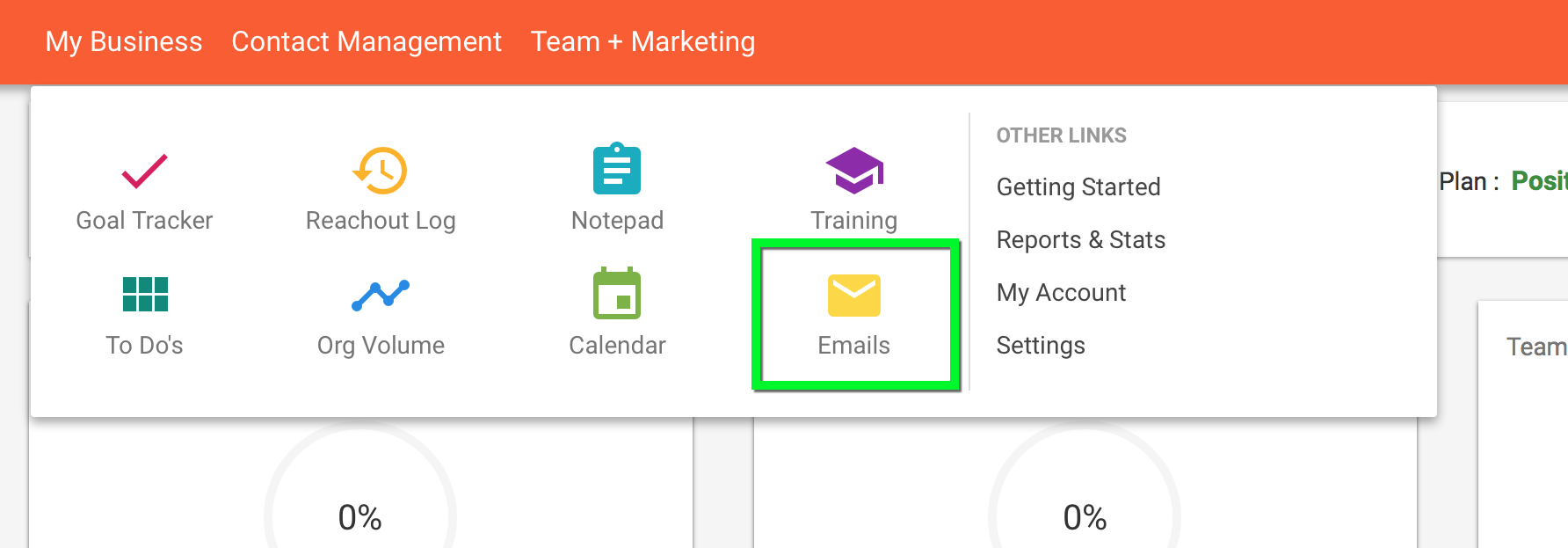
2. Search for, or find, the email you'd like to check the status of.

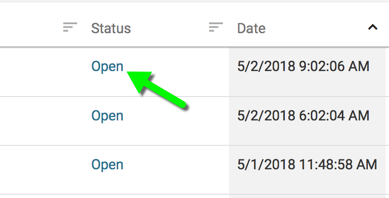
3. Find the "Status" column

4. Click on the status of the email you'd like to check
5. This will bring up the open and click history details for that email. You can see how many times your message was opened/clicked and the times those actions were taken.
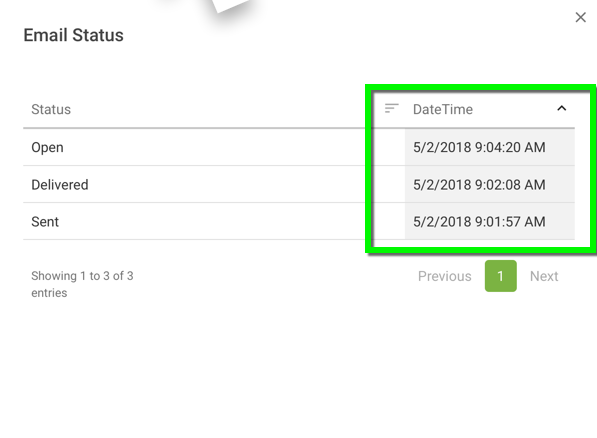
To learn more about the email status changes:
Comments
0 comments
Please sign in to leave a comment.