
To insert a script into a bulk email in Hilo:
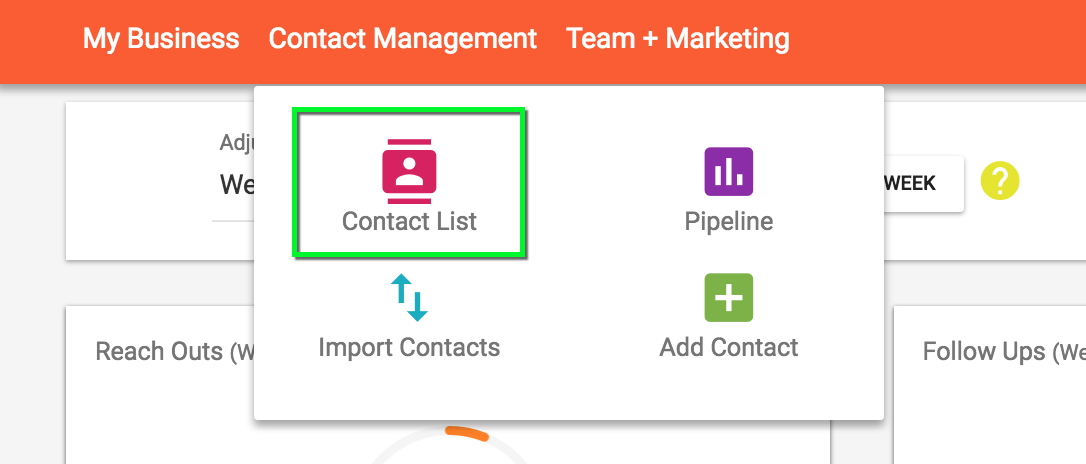
1. Go to the Contact List page
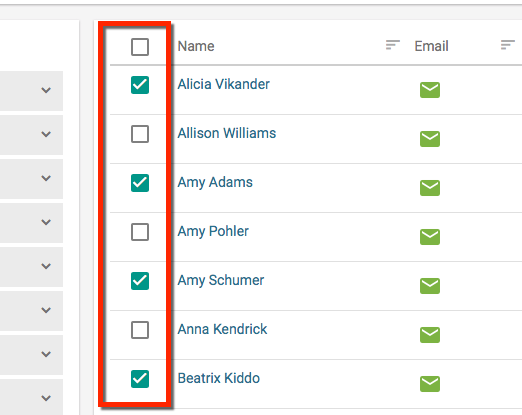
2. Select the contacts from the list you would like to send your message to.
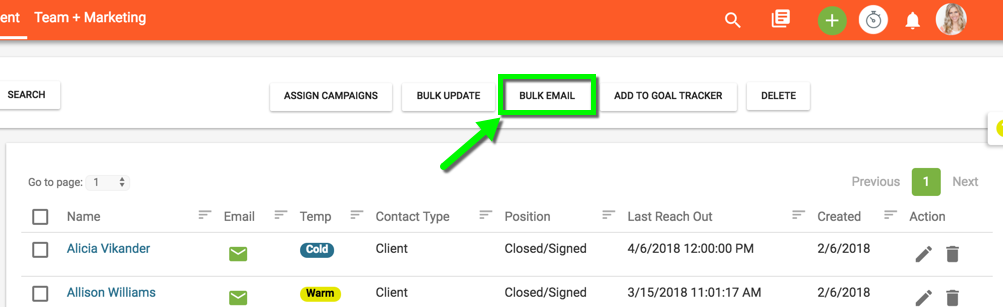
3. Click the "Bulk Email" button at the top of the page to open a new message window.
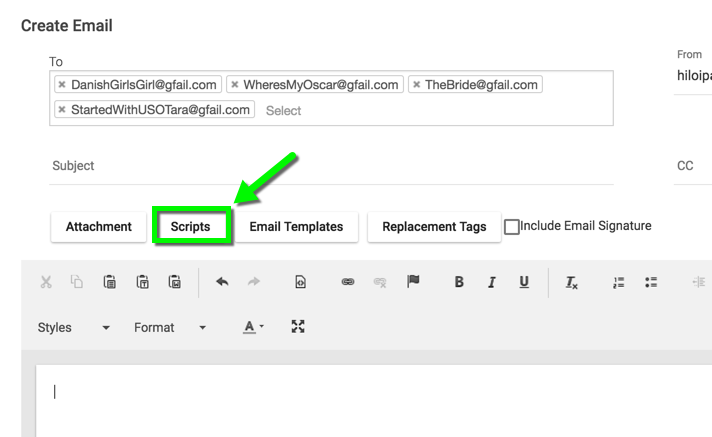
4. In the new message window, click the "Scripts" button.
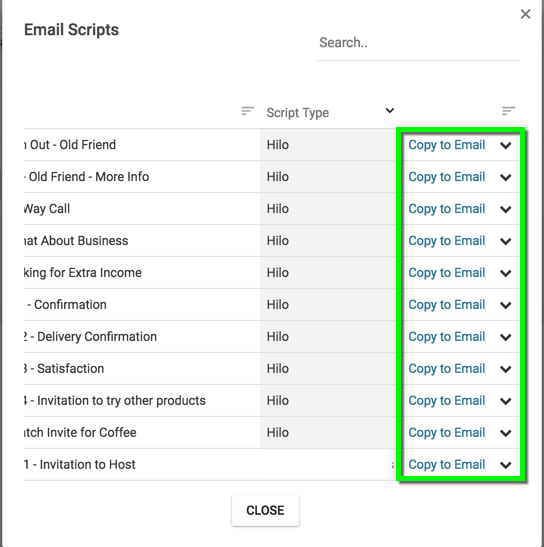
5. When the Scripts modal opens, find the script you would like to insert into the body of your email and click the "Copy to Email" link next to that script name.
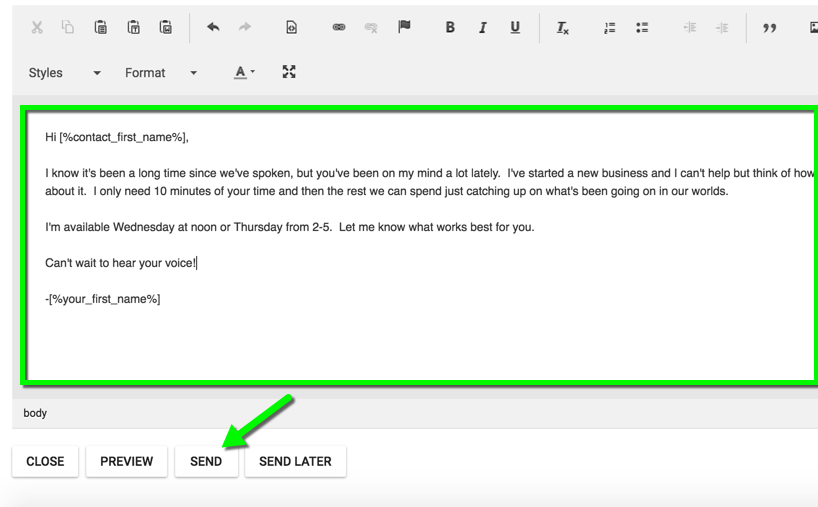
6. Make any adjustments to the message in the editor window and click the "Send" button at the bottom of the new message window.
Comments
0 comments
Please sign in to leave a comment.